 +1 480 485 7373
 Microsoft Teams
A Dynamics 365 Customer Insights consultant who starts with your customer data, not the campaign
Hire a Dynamics 365 Customer Insights consultant when your customer records live in five systems and none of them agree. Customer Insights brings those records into one profile, then uses it to build segments and send messages at the right moment. We work on the data first, because a journey built on duplicates and stale emails only sends mistakes faster.
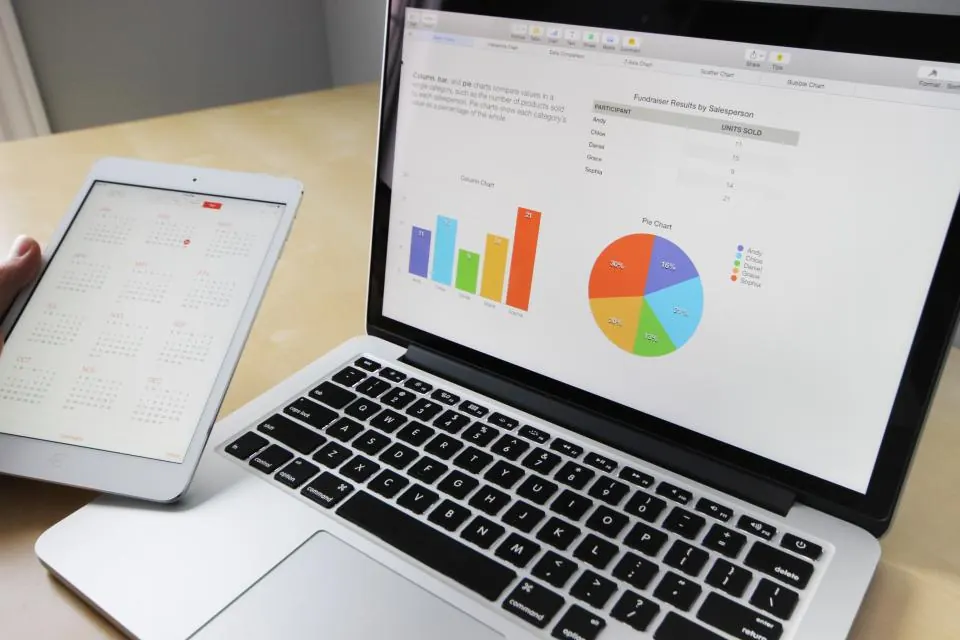
Two parts: Data and Journeys
Dynamics 365 Customer Insights has two parts. Customer Insights Data is a customer data platform. It pulls records from your CRM, ERP, web shop, support desk and spreadsheets, matches them into one profile per person or company, and works out measures such as lifetime spend or days since the last order.
Customer Insights Journeys is the marketing side, formerly sold as Dynamics 365 Marketing. It sends email, text and push messages, runs event registration and forms, and reacts to what a customer does, such as an abandoned quote or a closed support case. Journeys can use the segments and measures that the Data side builds.
What a Customer Insights consultant does on the project
Source inventory
A list of every system that holds customer data, who owns it and how fresh it is.
Match and merge rules
Rules for deciding when two records are the same person, tested on samples your team recognizes.
Measures that matter
Spend, frequency, product mix or service history calculated once and reused by sales, service and marketing.
Segments
Audiences defined in plain language first, then built and checked against counts you expect.
Consent and preferences
Opt-in, topics and channel preferences captured and respected, so nobody is messaged without permission.
Journeys
Trigger-based journeys for onboarding, renewals and win-back, each with an exit rule and an owner.
Sales and service hand-off
Profile data and journey activity shown inside Dynamics 365 Sales and Customer Service where people work.
Reporting
Journey results and profile quality tracked in Power BI, including how many records still fail to match.
Our order of work
- 1
Data audit
We load samples from each source and show you the duplicates, gaps and conflicts before any design.
- 2
Unify
Sources connected, match rules tuned and profiles reviewed with the people who know the customers.
- 3
Segment and measure
The first segments and measures your teams will actually use, not a long list of maybes.
- 4
First journeys
Two or three journeys with clear goals, consent checks and test sends to internal staff.
- 5
Hand over
Your marketers learn to build segments and journeys themselves, with written rules for data quality.
Mistakes we see with Customer Insights
- ✓Connecting every data source on day one, when three good sources would answer most questions.
- ✓Leaving match rules at their defaults, so one customer shows up as four profiles with different emails.
- ✓Treating consent as a marketing setting instead of a legal record with an owner.
- ✓Building journeys nobody watches, with no exit rule, so customers keep getting messages after they buy.
- ✓Measuring success by emails sent rather than by replies, meetings booked or orders placed.
Customer Insights questions
Do we need both Data and Journeys?
No. They are separate parts and can be licensed on their own. Some companies start with Journeys for email and events, others with Data to clean and unify records for sales and service. Check Microsoft's current licensing for how the parts are sold.
Is this the same as Dynamics 365 Marketing?
Customer Insights Journeys is the newer name for what was sold as Dynamics 365 Marketing. Microsoft moved the marketing features into Customer Insights, and existing Marketing customers were moved to the new name.
Can it use data from systems outside Microsoft?
Yes. Customer Insights Data can ingest data from many sources, including files in Azure Data Lake Storage, Dataverse tables and connectors through Power Query. The work is usually in cleaning and mapping the data, not in connecting it.
How long before we see useful profiles?
It depends on how many sources you have and how clean they are. We show a first unified sample early in the project, so you can judge the quality before committing to journeys built on it.
Talk to us about your project.
Tell us what you run today and what has to change. A senior consultant replies with a written next step.